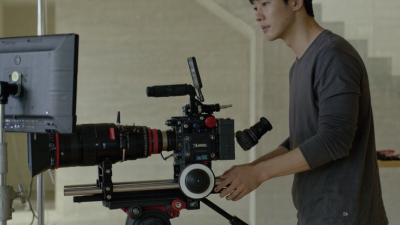
A Camera Slider Stand supports a camera slider at a chosen height and keeps it steady as the camera moves. It can help place the slider above a tabletop, align it with a product, or create a low tracking shot without placing the rails directly on the floor. The stand’s role is simple, but the results can be noticeable. Small shifts in height or angle may change how a moving shot feels.
For filmmakers, photographers, and content creators, a stand can make slider placement more flexible across studio and location setups. Adjustable legs or mounting points help level the rails, while a compatible load rating matters for the slider, camera, and accessories together. Check the stand’s connections and stability before filming, especially on uneven ground. A stand is not a substitute for careful setup. Not every shot needs one. Sometimes, a low position works better, and extra support only adds setup time. That trade-off is easy to miss when planning a shot. This guide explains what a Camera Slider Stand is used for, how it supports different shooting situations, and what to consider when choosing one. The practical details matter more than impressive-looking gear.
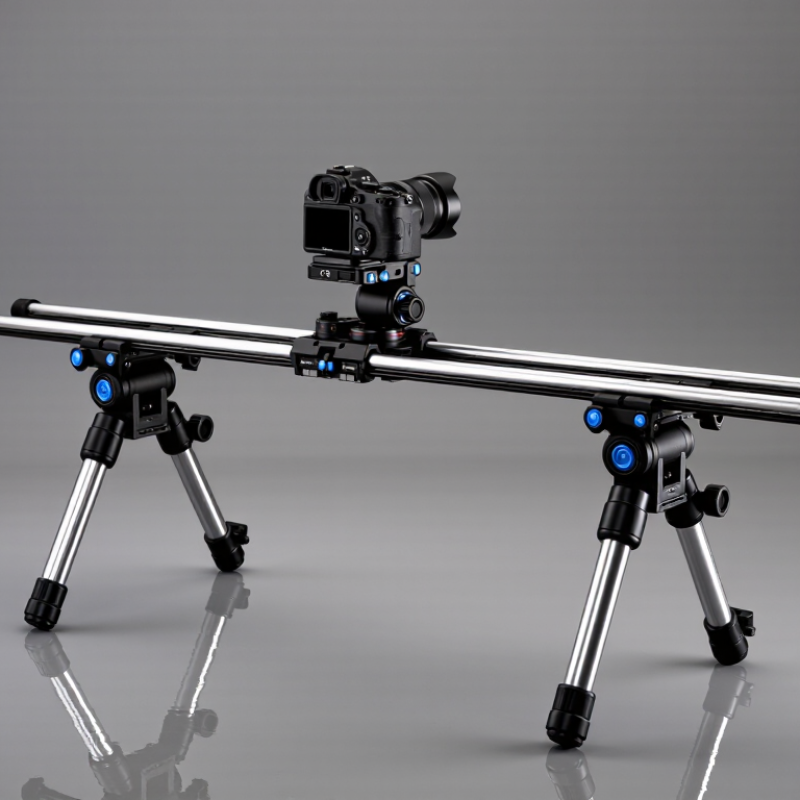
A camera slider stand is a support placed beneath a slider to hold its rails steady and at a useful working height. It may use adjustable legs or mounting points, depending on the design. The stand helps keep the slider level while the camera moves along the track. This matters because a slight tilt can change how a camera travels and make a smooth move harder to repeat.
On set, the stand can bridge uneven ground or raise the slider above a table, floor, or low obstacle. Adjust each leg carefully, then check that the rails do not rock when you apply gentle pressure. Lock the joints and confirm the combined load stays within the stand’s stated capacity. A heavier camera does not automatically mean a better-supported setup; the slider and its supports must work together. Small details matter. I have found that rushing the leveling step often creates more trouble than the camera movement itself. Even a solid stand can transmit vibration if a leg rests on a loose board or soft ground. Before recording, make a short test pass and watch for bumps, sag, or shifting.
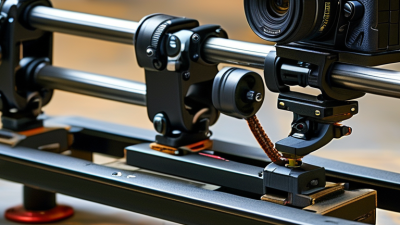
A camera slider stand supports a track while a camera travels along it, helping create controlled lateral or forward movement. Its job is not to move the camera by itself; it keeps the track stable and level. On a tabletop shoot, for example, a supported slider can carry the camera past a coffee cup without the frame dipping as the operator pushes. Small movements matter. A slight bump may show up as a visible jolt, especially in a close-up.
The 2024 State of Video Marketing report found that 91% of businesses use video as a marketing tool. That broad demand does not prove sliders improve every shot, but it helps explain why repeatable camera motion is useful across product, interview, and social video work. A stand can reduce flex on longer tracks and make slow moves easier to repeat between takes. On uneven floors, adjustable legs help level the track; on soft ground, wider feet can reduce settling. Check the locks before moving the camera. Really check them. A slider still needs careful operation, and a stand cannot fix a rushed push or poor framing. I’ve found that a tiny, deliberate move often feels more natural than a long glide, though that judgment can be wrong for a particular scene.
A camera slider stand helps create controlled movement that feels smooth rather than handheld. A slow push-in can draw attention to a detail, such as a hand turning a page or steam rising from a cup. Pulling back works well when a scene needs to reveal its surroundings. Keep the move subtle. Even a short slide can change the mood. For a clean result, level the stand and check that the camera stays balanced throughout the move.
Side-to-side slides create lateral reveals: move past a foreground object, like a plant or doorway, to uncover the subject behind it. This also creates parallax, where nearby objects shift faster than distant ones, adding depth to a flat frame. Product shots benefit from a measured pass across edges and textures; a small move can catch light on glass or brushed metal. Sliders can also support gentle tracking shots beside a seated person or a tabletop arrangement. Not every move helps. I’ve found that overly long slides can feel slow, so rehearse the framing and movement before recording. Keep the speed even, and leave room at each end for a natural start and finish.
Common shots created with a camera slider stand, shown as example slider travel distances in a sample shot plan.
A slider creates controlled camera movement for reveals, parallax, lateral tracking, and wide-scene slides. The distances shown are example setup values, not universal standards; adjust them to the subject, lens, and available slider length.
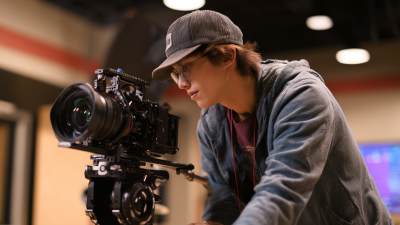
A camera slider stand supports controlled camera movement across a short, stable track. Crews use sliders on narrative sets for quiet push-ins, side-to-side reveals, and measured product shots. A slow move can bring a face forward from a soft background, or reveal a prop beside a doorway. Slider stands also help position the track over uneven ground, where low tripod legs may wobble. Small move. Big difference.
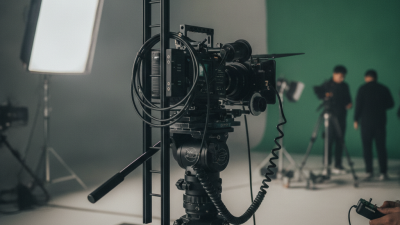
In documentaries, interviews, and branded films, sliders can add gentle motion without the footprint of larger camera rigs. On location, crews may use them for detail shots of hands, food, or equipment. In studio work, they are useful for repeatable tabletop moves and compact set-ups. The Motion Picture Association’s 2023 THEME Report recorded $33.9 billion in global theatrical box office, a reminder that audiences encounter films across a vast range of screens. That figure does not measure slider use, but it gives context for the demand for considered visual storytelling. A slider is not always the answer; a locked-off frame can feel more truthful.
Tips: Check that the stand is level, lock every support, and test the move before recording. Keep the camera balanced near the track’s center. A little friction or floor vibration can spoil an otherwise smooth shot.
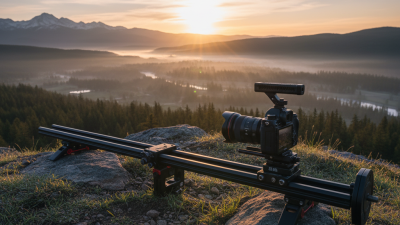
A camera slider stand supports a slider above the ground, helping create controlled horizontal moves for video or time-lapse shots. Its stability depends on more than the stand’s rated load. The camera, lens, slider, and any accessories all add weight. Keep that load centered, especially when the camera reaches the end of its travel. A small shift can make a long slider feel surprisingly unsteady.
Leg spread and surface condition matter. On a hard studio floor, check that each foot sits flat; outdoors, avoid loose gravel or soft soil that can settle under pressure. Extend legs only as far as needed, then lock every section firmly. A longer slider may need support at both ends and, in some setups, near the middle. Level the rails before mounting the camera. Then move the carriage slowly from end to end and watch for wobble. Test it again after adjusting the camera position. This takes a minute. It is easy to skip. Wind, uneven ground, or a heavy lens can change the balance, so there is no single setup that works everywhere. A stand can look secure and still flex under movement. When in doubt, reduce the extension or reposition the supports.